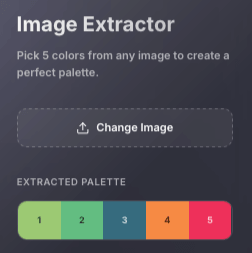
Load
Load the image you want to explore
Start with a photo, screenshot, logo, or artwork. The sidebar immediately shows the extracted colors so you can see the result before making any manual adjustments.

Upload a photo, screenshot, logo, or artwork and get five useful color suggestions instantly. Then drag a probe over any part of the image to pick the exact shade you want and copy a HEX-ready result. It works as an image color extractor for fast discovery and as a precise picker when one pixel matters. No login required.
An image color picker helps you identify colors inside a photo, screenshot, logo, or illustration. Free Color Tool first samples the image and suggests five visually distinct colors, then gives you draggable probes so you can move to the exact pixel you want and refine the result.
Best when you want a fast set of distinct colors from the whole image without clicking around manually.
Best when you already know the area you want. Drag a probe over it to inspect the precise pixel and refine the selected shade.
Start with whatever is already in front of you. Drop in a file, paste a screenshot, browse from your device, or import an image URL and move straight to the colors that matter.
Instead of grabbing five random pixels, Free Color Tool samples the image across a grid and looks for colors that are visually different from one another. The result is a cleaner set of representative colors you can actually use, not five nearly identical shades from the same area.
Automatic suggestions get you close fast. When one shade has to be exact, drag any of the five markers over the image. Each probe reads the pixel at its current position in real time using an offscreen canvas, giving you a precise color picker from image workflow without random clicking.
These real product screenshots show the full flow: load an image, review the automatically extracted colors, move the probes when you want a more exact match, and continue with the colors you want to keep.
Start with a photo, screenshot, logo, or artwork. The sidebar immediately shows the extracted colors so you can see the result before making any manual adjustments.
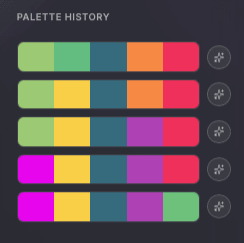
After extraction, review earlier results, reuse a combination you liked, or send the selected colors to the dedicated Palette Generator for further refinement.
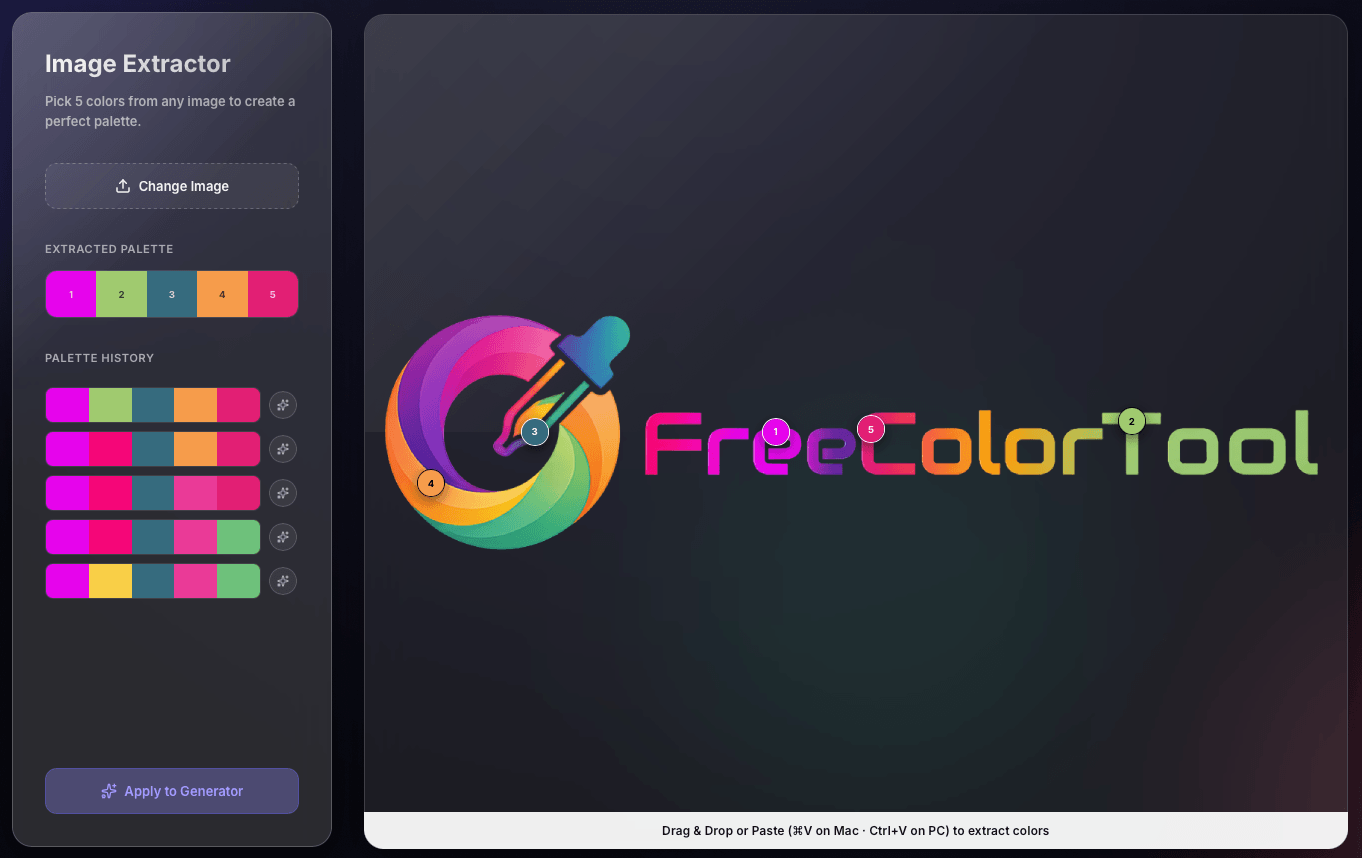
Move the five numbered probes over the exact parts of the image you care about. The sidebar updates with the selected colors, making it easy to compare automatic extraction with precise pixel picking.
Use this image color picker when a screenshot, landing page, product photo, illustration, or brand asset already contains the color direction you want. Start with the automatically suggested colors, then move the probes when you need one exact shade from the image.
Quick answers about picking exact colors from images, finding HEX-ready results, automatic color suggestions, supported image types, and refining the colors you want.
Upload, paste, or import an image. The tool first suggests five distinct colors, then you can drag any probe to the exact part of the image you want and copy the HEX-ready result.
Use the draggable probes to inspect exact pixels. Each probe reads the color at its current position, so you can move it over a logo, screenshot, photo, or UI element and copy the HEX-ready result.
Automatic extraction gives you several useful starting colors from the whole image. Exact pixel picking lets you inspect one precise shade. This tool combines both: automatic suggestions first, then probe-based picking when you need it.
Yes. The tool supports common image workflows including screenshots, logos, illustrations, photos, and other visual references. You can upload a file, paste from the clipboard, or import an image URL.
You can work with common formats such as JPG, PNG, WebP, GIF, and SVG from local files, clipboard screenshots, or direct image URLs.
Yes. After you extract or fine-tune the colors you want, use Apply to Generator to continue refining them in the dedicated Palette Generator.
Upload an image, get five distinct colors automatically, then move the probes when you need an exact match. No sign-up.
Open Image Extractor